Applications
Know what is running.
Discover existing .NET services. Review and register the ones you manage, then see their state, memory and process details.
Read the guideSource preview Open source · MIT license
Service status, memory, logs and website health. Together in a dashboard on your PC, connected through the SSH you already use.
Windows source preview · .NET 10 SDK · One Ubuntu server
Sponsored by Omm Rudraksha
A straightforward connection
The dashboard uses Ubuntu's existing tools over SSH. Your application registry and audit history stay on your computer. Your account's permissions decide which operations can run.
The daily essentials
Designed around the apps you already host. Inspect what matters, make a deliberate change, and read the actual result.
Applications
Discover existing .NET services. Review and register the ones you manage, then see their state, memory and process details.
Read the guideMonitoring
Keep individual service memory separate from server RAM. Read CPU, disk and uptime, with N/A when a metric is unavailable.
Read the guideDiagnostics
Search recent journal entries and check website availability. See HTTP health and service status as separate signals.
Read the guideStart approved apps, confirm before stopping or restarting, and review the outcome in Audit History. Nginx controls are opt-in; SQL Server restarts show a dependency warning.
A practical first step
The source preview includes a Windows desktop shortcut setup and a tray menu to open or quit the dashboard.
Check the requirementsGet the source and run Create-Desktop-Shortcut.cmd. Open the new desktop shortcut.
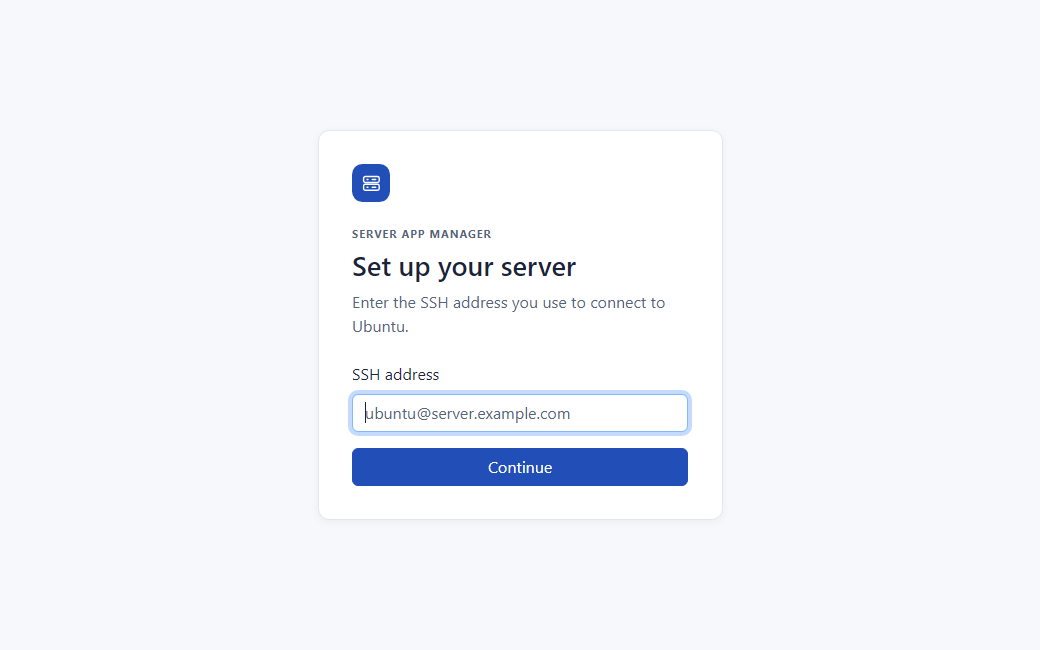
Enter your SSH address, compare the fingerprint with a trusted record, then enter your Ubuntu password.
Choose Find apps, check an existing .NET service and save it. Open its status and recent logs.
From the journal
Follow the path from your PC to one approved service.
Understand host fingerprints and the first trust decision.
What systemd and cgroup memory measurements actually tell you.
The local dashboard uses your existing SSH service, systemd and Linux tools. It runs on your PC. Service operations use the permissions already granted to your Ubuntu account.
The desktop shortcut starts the app in the background and gives you a tray menu. If you use dotnet run directly, keep that command window open.
The current preview is distributed as source and needs the .NET 10 SDK. A ready-to-run Windows package is on the roadmap. The download page explains the current steps.
The local app holds it in memory for your session and uses it for SSH authentication and authorized sudo prompts. Sign-out or session expiration ends the connection.
Built in the open
Read the source, improve a guide, or tell us where a workflow could be clearer. Server App Manager is MIT licensed and sponsored by Omm Rudraksha.